SaaS & Software · Funnel breakdown
How Owner.com’s book-a-call funnel works
Here’s the whole play, step by step, so you can use it in your niche.
- Funnel type
- Book a call
- Offer
- SaaS
- Longest ad
- 14 days
- Ads live
- 1
- Revenue (our estimate)
- ~$335/mo
Step 1
The ad
It starts in the feed: one ad from Owner.com points at this funnel. They open with one line:
“Tu sista de punto de venta (POS) debería impulsar tus ventas.”
That line says the POS should grow sales, not just process them.
Step 2
Where the click goes
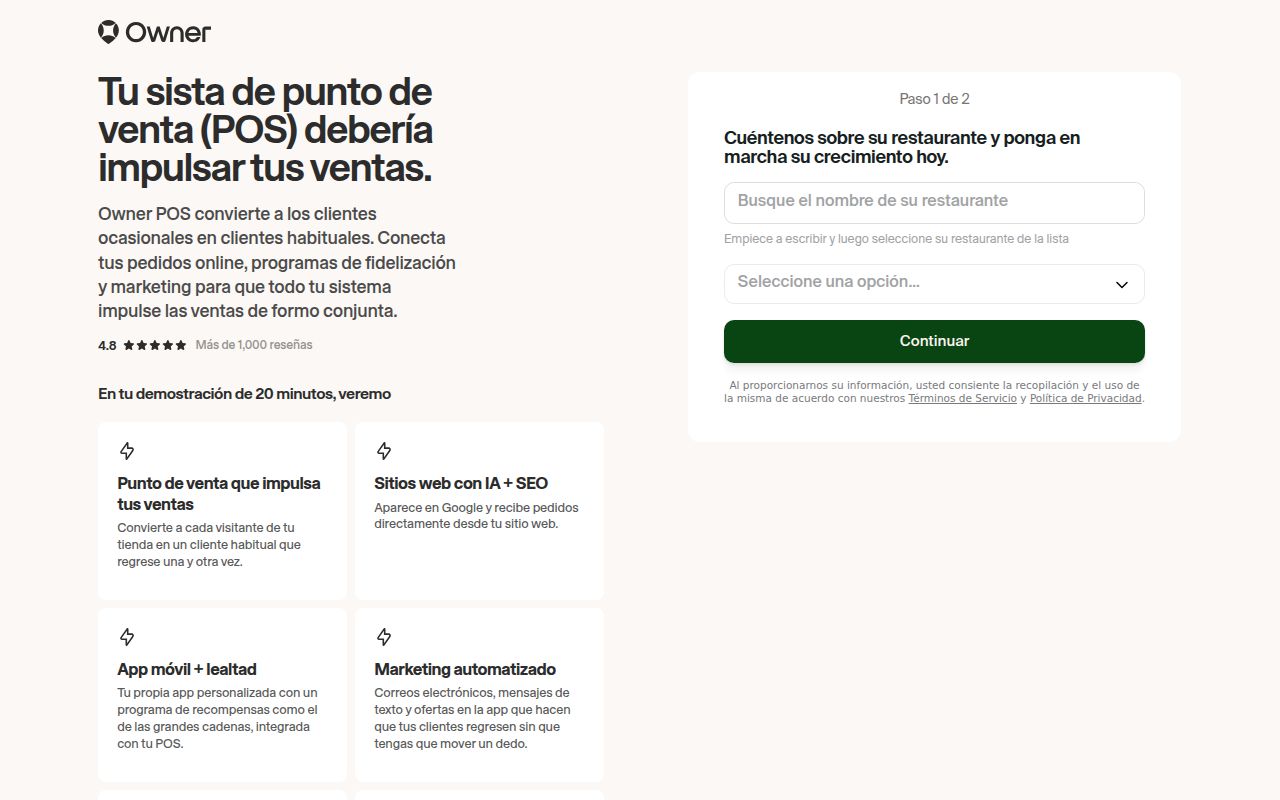
Click, and you land on a page to book a call. This is what people see first:
Want to see this landing page for yourself?Start free
The promise. A restaurant POS that is connected to marketing tools so it helps bring walk-in customers back and drives growth.
Who it’s for. Restaurant owners who want their POS to do more than take payments.
What makes it different. A POS fully connected to marketing systems, pitched as the first to bring walk-in customers back.
The ask. A call — the sale happens on the phone. The button says “Learn more”.
Step 3
Why people buy
An ad doesn’t run for months by luck. Here’s what’s doing the work — 4 reasons:
- Reframed category: It treats the POS as a growth tool, which sets it apart from ordinary payment systems.
+ 3 more reasons — get them free →
Step 4
How to use it in your niche
You don’t copy the funnel. You copy the moves — 4 of them. Start here:
- 1.Reframe your category: Say your product does a bigger job than the one buyers expect from it.
+ 3 more steps — get them free →
Get the rest of the Owner.com breakdown
- All 4 reasons people buy
- The full 4-step plan to use it in your niche
- The full breakdown of every funnel page, free
More saas & software funnels
-
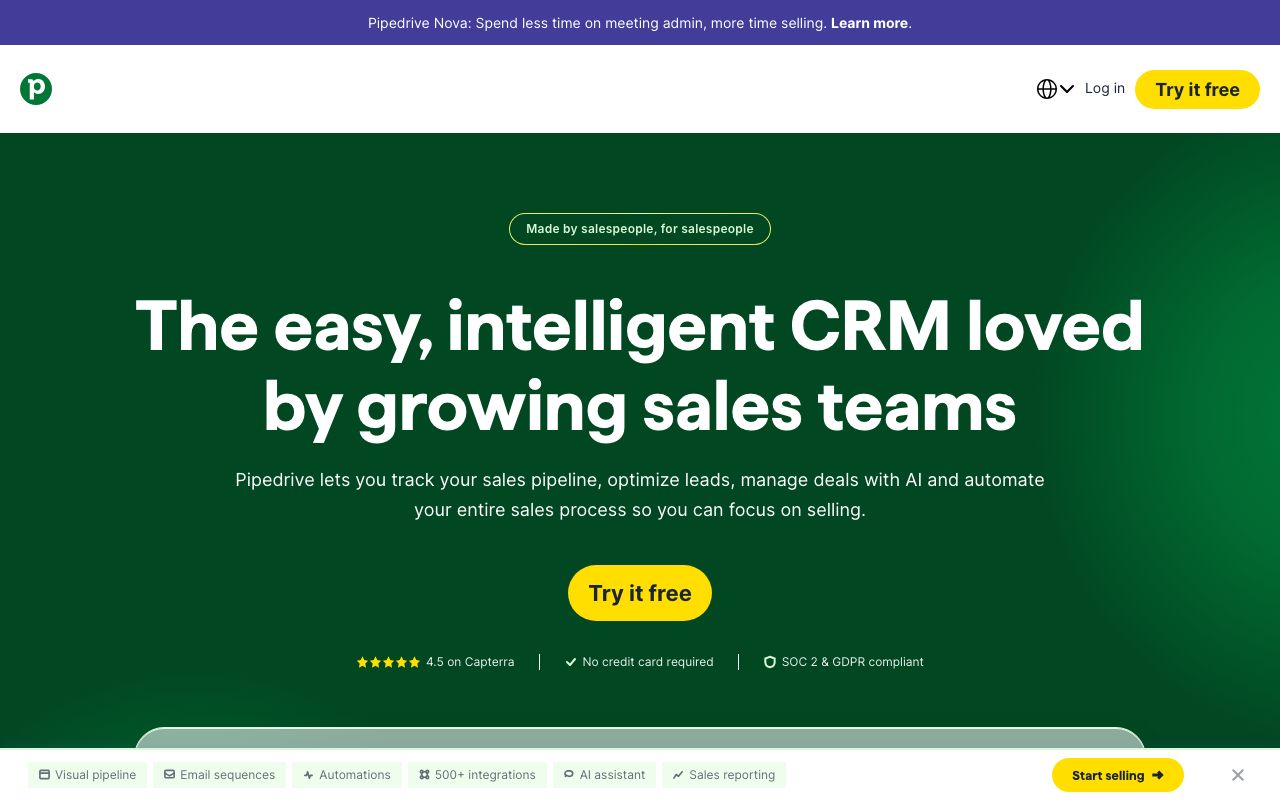
Pipedrive
“Menos tarefas. Mais negócios.” — two short phrases that contrast less admin with more deals
Free trial · SaaS · SaaS & Software · ad running 230 days
~$91k/mo est.
-

Polsia AI
“AI That Runs Your Company While You Sleep” — promises work that continues while you rest
Free trial · SaaS · SaaS & Software · ad running 170 days
~$480k/mo est.
-
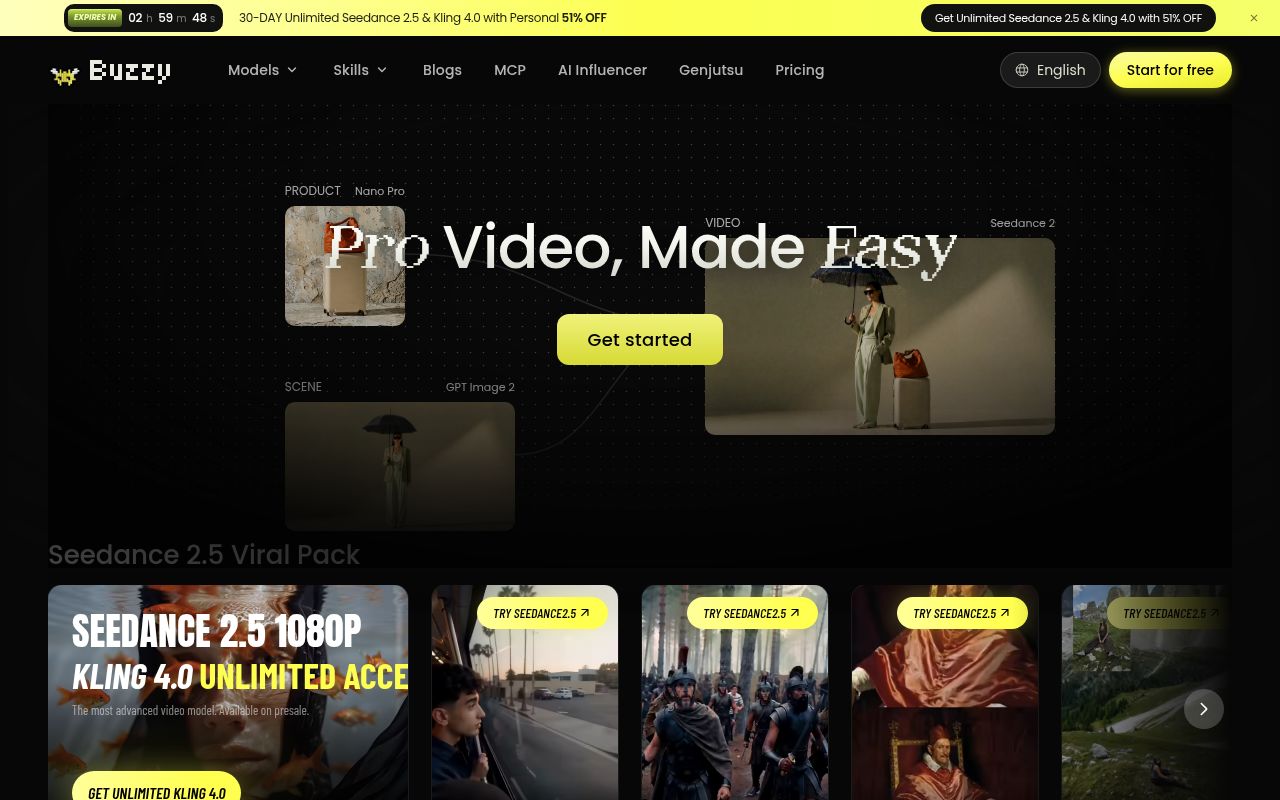
That Creative CEO
“Pro Video, Made Easy” — pairs a quality result with low effort in three words
Free trial · SaaS · SaaS & Software · ad running 107 days
~$98k/mo est.
-

VideoExpress.ai
“Transform Text Prompts and Images Into Dazzling AI Videos At Express Speed!” — states the input and the output in one line
Sales page · SaaS · SaaS & Software · ad running 173 days
~$36k/mo est.
Find funnels like Owner.com’s in your niche
Describe your offer below. It’s free.